A Home Inventory App That Scans a Room and Lists the Items
Yes, Manifest films a room and returns one card per item for you to confirm. How to film so it works, what each plan allows, and the other apps that do it.
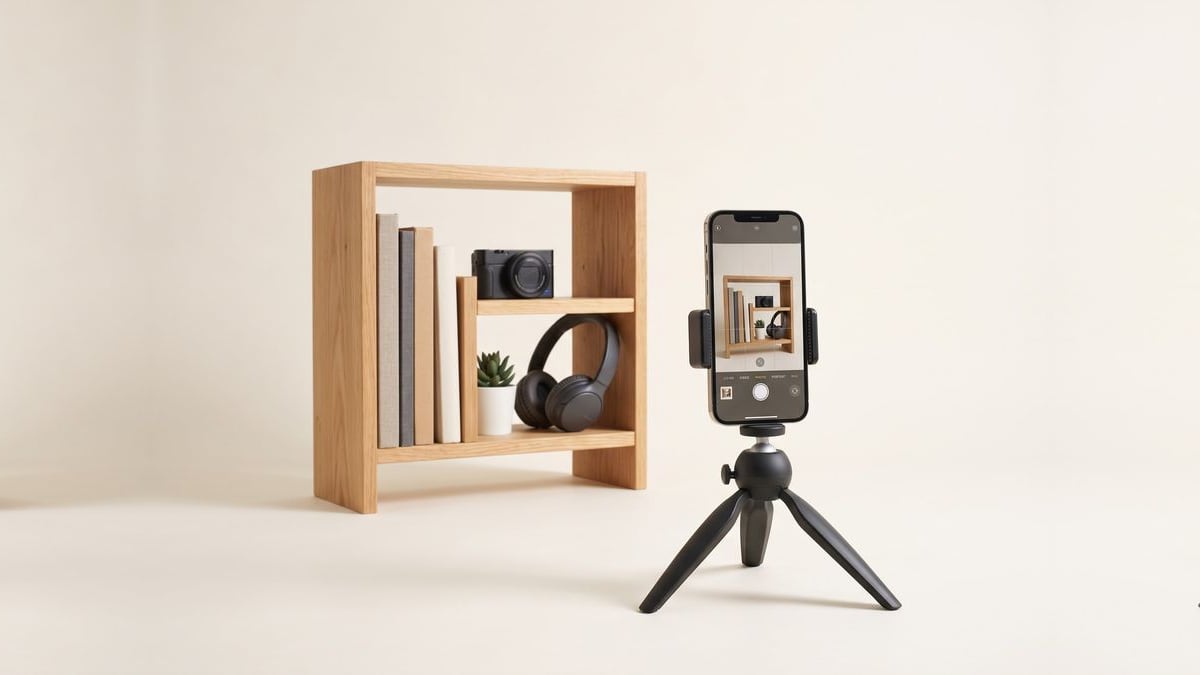
Yes. Manifest films a room and lists what it sees. You pan the phone slowly across a room for up to 90 seconds, and it comes back with one entry per item it recognised, with a name and a suggested room, for you to confirm or throw out. I make Manifest, so this page explains how the scan works and where it fails, and names the other apps that do something similar.
What a room scan actually produces
A list, not a video. Each item the scan finds comes up on its own card: name, brand or model where it could read one, the room, and the frame it was spotted in. You confirm the ones that are right, fix the ones that are close, and skip the rest. Nothing is saved until you confirm it, so a bad scan costs you a minute, not a messy inventory.
Say things while you film and they go onto the cards. A price, a purchase date, "three of these", or who gave it to you are written to the item you were pointing at.
How to film a room so the scan works
- Turn the lights on. Dim rooms are the main cause of missed items.
- Start in one corner and pan slowly, about the speed you would read a shelf. Quick sweeps blur.
- Keep one recording per group: a bookshelf, a desk, a dresser top. Big rooms are better as two or three clips than one.
- Say the price or date for anything you remember as you pass it.
- Review the cards straight away while the room is in front of you.
Small objects, things inside closed drawers, and anything heavily overlapped are often missed. Add those by hand afterwards; a single photo fills in the name, brand and serial for one item.
Walkthroughs on each plan
| Plan | Walkthroughs | Clip length |
|---|---|---|
| 7-day trial | Three in total | Up to 90 seconds |
| Vault ($1.99/mo or $11.99/yr) | Three per month | Up to 90 seconds |
| Unlimited ($39/yr) | No monthly cap | Up to 90 seconds |
Walkthroughs are metered separately from photo scans, so filming a room does not use up the photo allowance. The video walkthrough help article has the current numbers if they change.
Three ways to capture a room, compared
| Method | What you do | What you get | Best for |
|---|---|---|---|
| Video walkthrough | Pan the phone across the room | One card per item it saw | A whole room in one go |
| Photo room scan | One photo of a shelf or corner | Up to eight items from that photo | A crowded shelf or cabinet |
| One item at a time | Photograph each thing | Name, brand, model and serial read from the label | Expensive items, anything with a serial number |
Most people do the walkthrough first, then go back with single photos for the items an adjuster will ask about: the television, the laptop, the camera, the bike.
Why this matters for an insurance claim
An adjuster wants an itemised list with values and photos, not a video. A room scan gets you the list; the photos are the frames it kept; the values come from receipts you forward or the estimate it suggests. The insurance report exports all of it as a PDF with replacement cost and actual cash value totals. If you are starting an inventory for a policy, the home inventory for insurance guide gives the room order that gets it finished.
Other apps that scan a room
MovingBox (iPhone, iPad and Mac) lists items from video on its Pro plan. Four apps list several items from one photo: SnapFind (iPhone and Android) on its Pro plan, Under My Roof (iPhone, iPad and Mac) on iOS 27, Homvi (iPhone) and StuffID (iPhone and iPad). Every other app in the home inventory app tracker adds items one at a time, or the vendor's page does not say.
FAQ
Is there an app that scans a room and lists the items? Yes. Manifest films a room from a slow pan of up to 90 seconds and returns one card per item it recognised for you to confirm. I make it. MovingBox (Pro only) also lists items from video. SnapFind (Pro only), Under My Roof (iOS 27 only), Homvi and StuffID list several items from one photo.
How accurate is a room scan? Good enough to be faster than typing, not good enough to trust blind. It reads large and clearly visible items well, misses small or hidden ones, and sometimes names an item too generally. Every card is reviewed before it is saved, so the fix is a tap, not a re-shoot.
Does the room scan work on Android? Yes. Manifest runs in the browser on Android, and the walkthrough uses the phone's camera there. The iPhone and iPad app adds Face ID lock and the share sheet.
How many rooms can I scan? The trial includes three walkthrough clips, Vault three per month, and Unlimited has no monthly cap. Each clip is up to 90 seconds, so a large room is usually two or three clips.
Can a home inventory app scan a whole house? Room by room, yes. There is no app that films a house in one pass and gets it right; the useful unit is a shelf or a wall. Plan on one short clip per group of items and a single photo for anything with a serial number.
Start your home inventory
Film a room and Manifest lists what it sees, then forward receipts to fill in prices. Free for 7 days, no card needed.