Free Home Inventory Spreadsheet Template (Excel, Google Sheets)
A free Excel workbook for a home inventory: dropdowns for room and category, totals by room, and a check against your policy's limits for jewelry and other capped items. Printable checklist and CSV included.
A home inventory spreadsheet is a list of what you own, one row per item, with enough detail to prove it to an insurer: where it is, what it is, the serial number, what you paid and when. The template below is a real Excel file with dropdowns and totals already built. It's free and there's no sign-up.
Home inventory spreadsheet
An Excel workbook with dropdowns, room and category totals and a policy-limit check, a printable room-by-room checklist, or a CSV you can import. No sign-up.
Download .xlsxAlso available as PDF and CSV.
Filled it in? Import it into Manifest and add photos and receipts to each row.
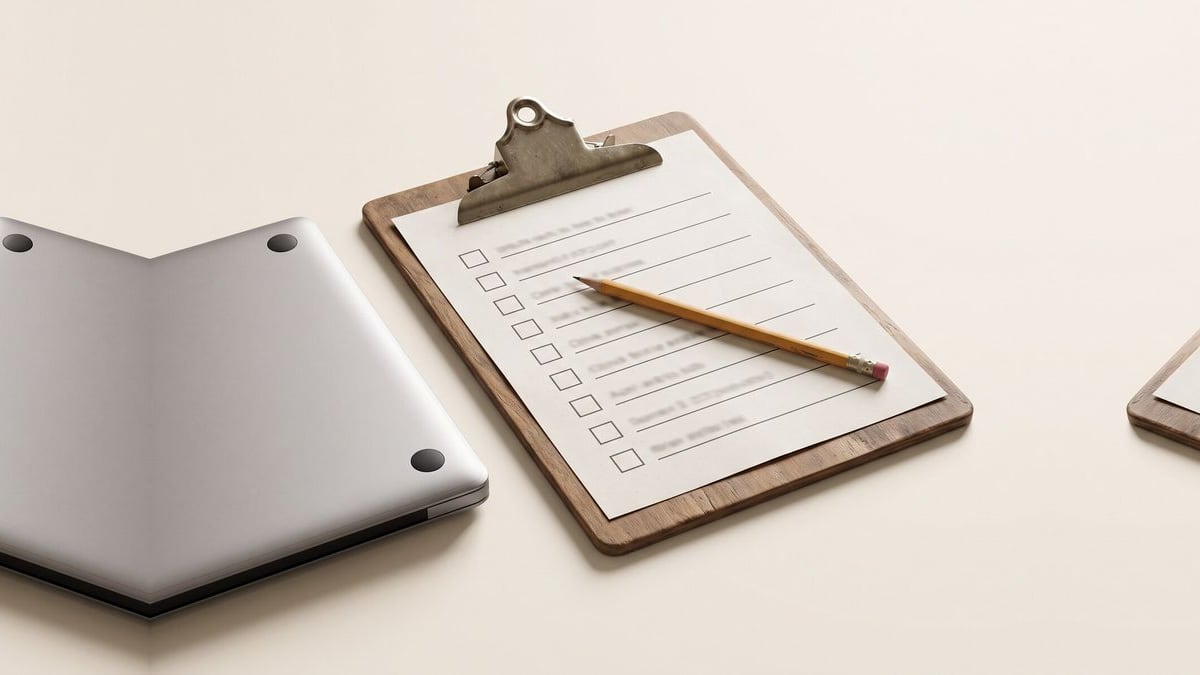
It opens in Excel, Numbers and Google Sheets (in Sheets, use File → Import). If you'd rather work on paper, there's a printable PDF: a room-by-room checklist of what to record, an item sheet with the same columns, and a box for your policy's limits. There's also a plain CSV if you'd rather start from that.
One disclosure: I build Manifest, a home inventory app, and the columns are set up so the sheet imports into Manifest cleanly. You don't need Manifest to use it.
What's in the spreadsheet?
The workbook has three sheets:
| Sheet | What it does |
|---|---|
| How to use | Six steps, on one page |
| Items | One row per item, with dropdowns for room, category and condition. Five example rows to overwrite |
| Summary | Totals by room and by category, and a check against your policy's special limits |
The Items sheet has twelve columns: Room, Item, Category, Brand, Model, Serial Number, Quantity, Price Paid, Purchase Date, Warranty, Condition and Notes. Use Notes to say where the proof is: "receipt in email", "appraisal in safe", "photo of label taken".
Why does the Summary check policy limits?
Most homeowners policies cap some categories well below the overall contents limit, and the caps are easy to miss. Texas A&M's real estate center lists typical figures for a standard HO-3 policy: $1,500 for jewelry theft, $2,500 for firearms theft, $1,500 for stamps and securities, and $200 for money and coins.
The Summary adds up what you've listed in each of those categories and puts "Over the limit" next to any that go past the number in the Your limit column. The example numbers are the typical ones. Replace them with the figures in your own policy's special limits section. If a category is over, that's the conversation to have with your agent about scheduling those items. The sub-limits guide explains how the caps work.
Two cautions. The jewelry check adds up everything in Fashion & Accessories, so a designer bag counts toward it even though the jewelry limit doesn't apply to bags. And the totals use what you paid, not what it would cost to replace today.
How do you fill in a home inventory spreadsheet?
- Do one room at a time. Pick the room from the dropdown and go around it clockwise, then do the closets and drawers. The room-by-room guide has an order that works.
- Itemize what you'd claim for. Electronics, furniture, appliances, jewelry, tools, bikes, instruments, anything over a couple of hundred dollars.
- Group the small stuff. "Linen closet: towels, sheets, duvet" on one row is enough. Put a rough total in Price Paid.
- Add serial numbers for electronics and appliances. They're on a sticker on the back or underneath, or in the device's settings.
- Say where the proof is. A receipt in your email or a photo on your phone is worth noting in the row, so you can find it later.
- Keep a copy out of the house. A spreadsheet on a laptop that burns with the house is no help. Put it in cloud storage or email it to yourself.
When does a spreadsheet stop being enough?
A spreadsheet is a fine way to start and it's better than no list at all. Where it struggles is evidence. Insurers ask for photos and receipts, and a spreadsheet can only tell you where those are, not hold them. It also goes stale: most people fill one in once and never touch it again.
That's the gap an app fills. In Manifest you can film a room and get a list of what's in it, keep the photo and receipt on each item, and forward order emails so new things get added without typing. If you've already started a spreadsheet, you don't lose that work.
How do you import the spreadsheet into Manifest?
- On the Items sheet, delete the example rows, then save or download the sheet as CSV (in Excel: File → Save As → CSV; in Google Sheets: File → Download → CSV).
- In Manifest, open CSV import and upload the file. Every column maps on its own: Room becomes the item's location, and the rest carry over as they are.
- Check the preview and import. Then add photos to the items that matter most, starting with anything flagged on the Summary.
FAQ
What should a home inventory spreadsheet include? For each item: the room it's in, what it is, brand, model, serial number, quantity, what you paid, when you bought it, and its condition. A notes column for where the receipt or photo is makes the list much more useful at claim time.
Is there a free home inventory spreadsheet template? Yes. This one is a free Excel workbook with dropdowns, room and category totals, and a policy-limit check, plus a printable checklist and a CSV version. There's no sign-up.
Can I use this template in Google Sheets? Yes. In Google Sheets, open File → Import and upload the .xlsx file. The dropdowns and totals carry over.
Is a spreadsheet good enough for an insurance claim? It's a good start, because insurers want a list with descriptions and values. They also ask for proof of ownership, such as photos and receipts, so keep those somewhere safe and note in each row where they are.
Rather skip the spreadsheet?
Film a room and Manifest lists what it sees, then forward receipts to fill in prices. Free for 7 days, no card needed.